 GeneralPractice.AI
In My Lifestyle Hub
Your numbers, said back
“What’s my resting heart rate doing?” Ernie reads it from your own cards, with the month it was taken. It tells you where it is in the app; what it means is a question for your GP.
For clinicians
 NHS & primary careGeneral practiceWhole recall lists, with no extra appointment time
 Private GP clinicsA plan the patient takes home from any consultation
 Occupational healthPrevention and return-to-work plans for a workforce
 Weight managementThe behavioural programme that goes with treatment
For individuals
 My Lifestyle HubPlans, check-ins and a 3D twin of your own
 Young adultsHealth foundations in your twenties
 Dementia preventionLower your own risk, one habit at a time
How it works
How it worksOne loop, from the clinic to every dayThe plansEvery plan, and the evidence behind itDigital twinA twin for every patient, in 3DErnie, the AI guideAsk in your own words, by voice or typingClinic roomThe app’s own 3D clinic, to walk roundToolsThe tools that come with the plansDiscoverEvery plan and resource, on the bodyEarly access · on Plus and in the clinical app
Ask in your own words, by voice or by typing. Ernie knows its way round the app and your own numbers: it shows you the Learning Pod’s page on whatever you ask about, makes a plan with you one question at a time, and gets a message to your practice. In the clinic, it finds what you need and puts a model in front of your patient.
Ask in your own words, by voice or typing: Ernie shows you the page, makes a plan with you and messages your practice.
In the consultation
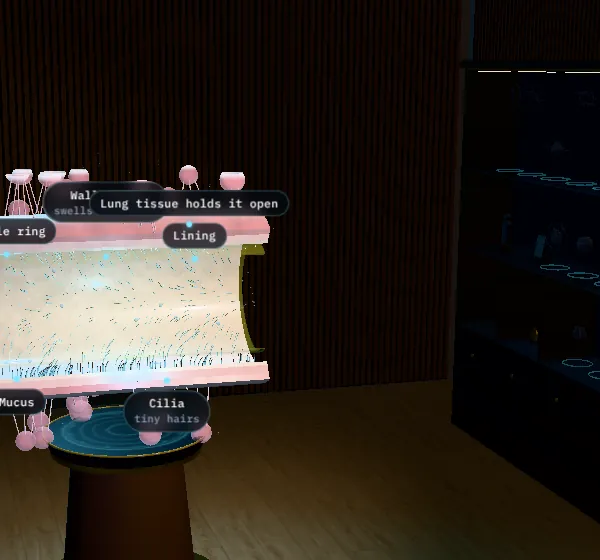
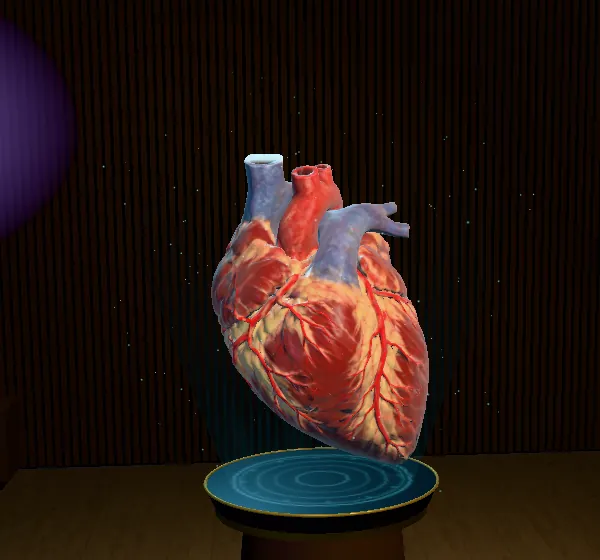
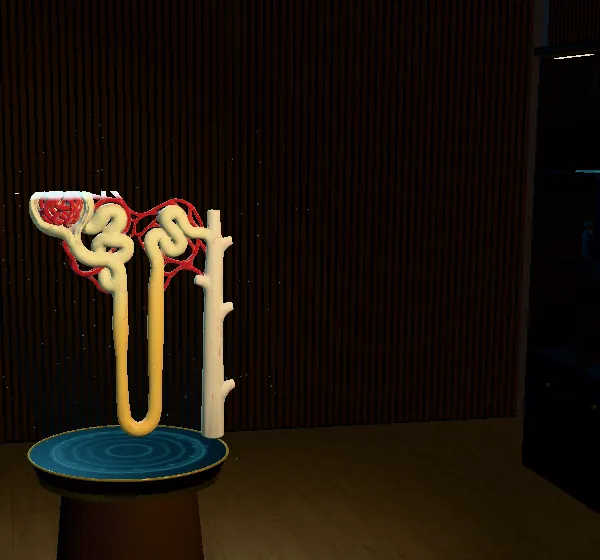
Mid-consultation, ask Ernie for a model and the Learning Pod’s page comes up over your screen, with Show to patient to put it on theirs: a knee joint for osteoarthritis, the airways in COPD, the vessels and nerves in diabetes, the heart and its arteries. Education they can see and turn, in the room with you, from the same pages they can open again at home.
“Show my patient a knee joint”
 Show to patient
“What does COPD do to the airways?”
 Show to patient
“Show them what high sugar does to the nerves”
 Show to patient
“Show me a blood pressure model”
 Show to patient
What it does
In My Lifestyle Hub
“What’s my resting heart rate doing?” Ernie reads it from your own cards, with the month it was taken. It tells you where it is in the app; what it means is a question for your GP.
In My Lifestyle Hub
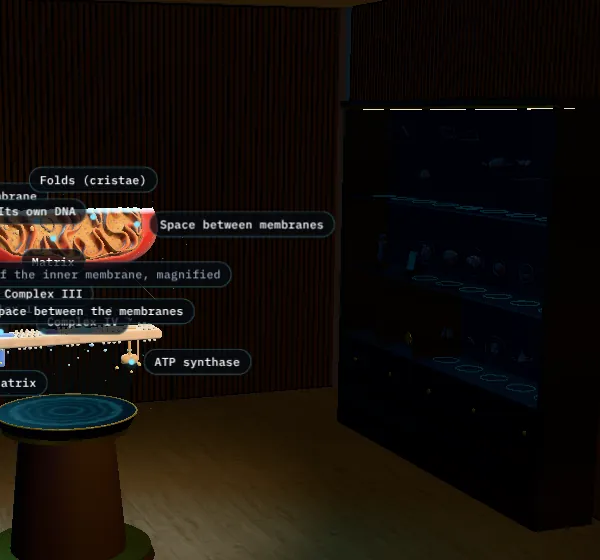
“What causes asthma?” brings up the Learning Pod’s own chapter, with its 3D scene beside Ernie in your room and its controls in the chat: 183 chapters across 23 lessons.
In My Lifestyle Hub
“Make me a sleep plan.” The plan’s own questions, one at a time: tap, type or say the answer. What the app already knows isn’t asked again. Condition plans go to your practice to look over.
In My Lifestyle Hub
“I’d like a review of my blood pressure.” Linked to a practice, Ernie sends the request with times that suit you; if not, it drafts the message for you to send.
In the clinical app
“Show my patient a knee joint.” The Learning Pod page comes up over the screen, with Show to patient. “Where are my reviews?” takes you straight there.
In the clinical app
“Ask this patient to book a review.” Ernie offers the patient on screen three times to choose from, in their own app.
Where it lives
In Your room, Ernie’s base stands in the middle, in front of the Explore screens. Tap it and Ernie rises out of it as a cloud of glowing points: the room dims, the chat docks beside it, and the lesson you ask about stands next to it. Close the chat and it sinks back in.
Its colours say what it’s doing: blue while it waits, green while it listens, purple and pink while it thinks, with sparks running between the points like a network firing. Move your pointer through it and the points move aside.
Safe by design
Ernie isn’t a medical device, and it’s built so it can’t act like one.
Ernie comes with Plus